

11 Best Laptops for AutoCAD in 2026 For Experts & Beginners
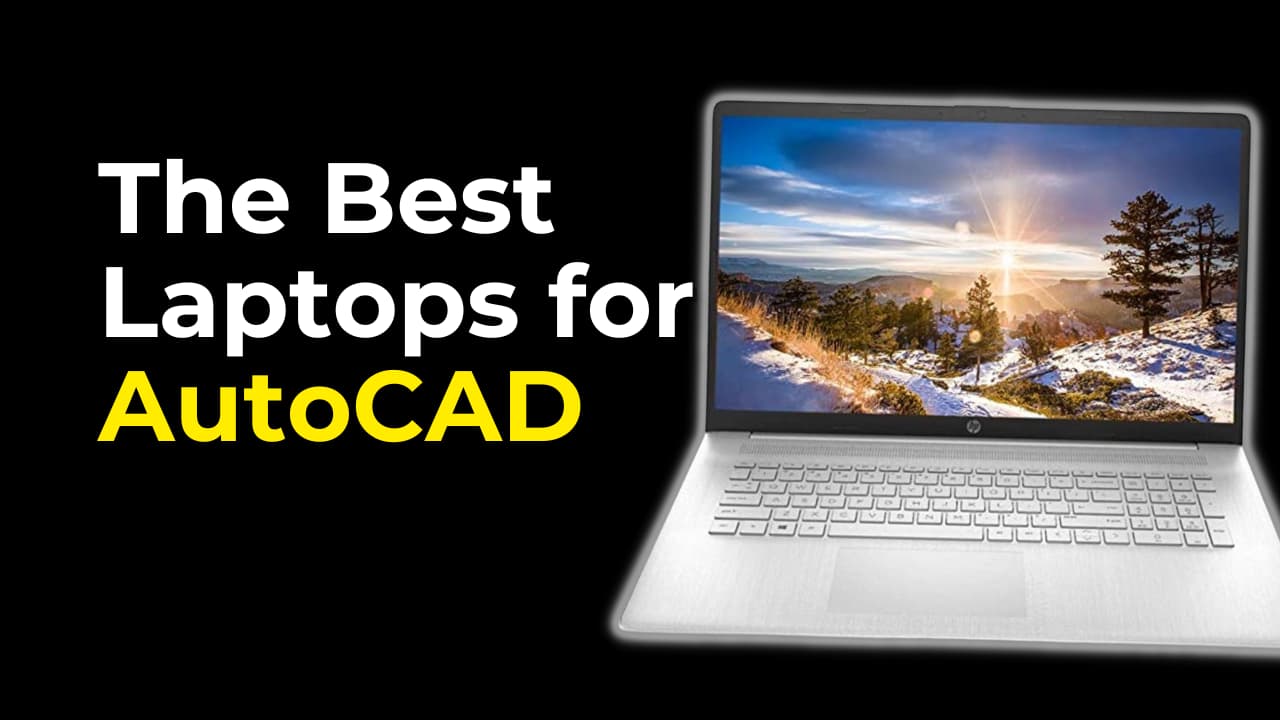
AutoCAD demands a laptop with solid CPU performance, precise graphics rendering, and smooth multitasking. Whether you’re drafting architectural blueprints or working on detailed engineering designs, the right laptop will make your workflow seamless. This guide covers the best laptops for AutoCAD in 2026 and why each is a smart choice.
Top 5 Best Laptops for AutoCAD Users

Apple MacBook Pro 14 – M4 Series
14.2 Inches Standard Display | Apple M4 Pro (12-Core CPU / 16-Core GPU) | 24 GB RAM | 1 TB SSD | 70W Adapter
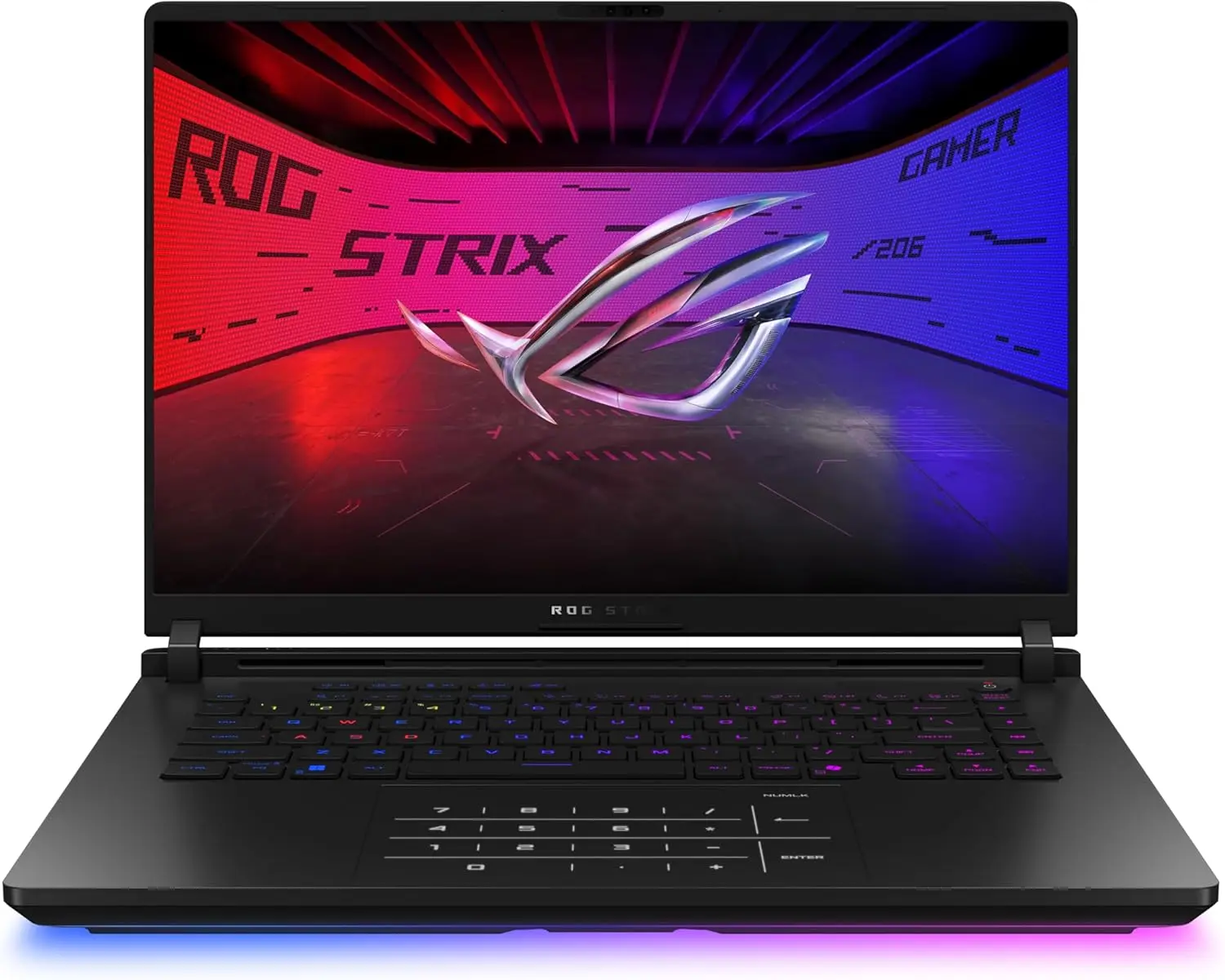
Asus Rog Strix Scar 16 – 2025
16 Inches | 2 TB SSD | 32 GB RAM | Core Ultra 9 275HX | RTX 5080
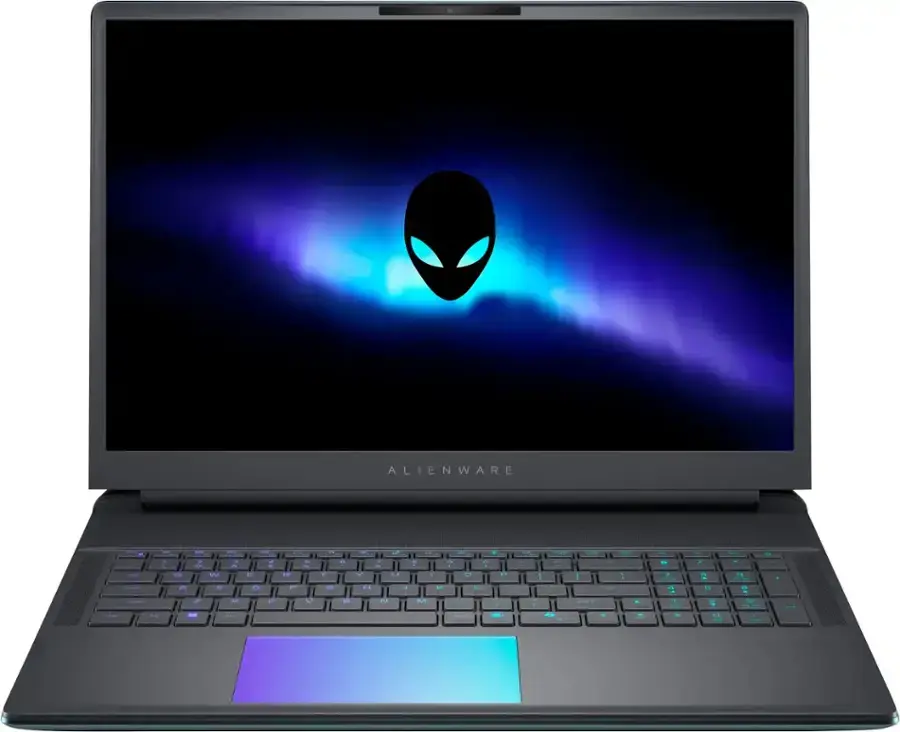
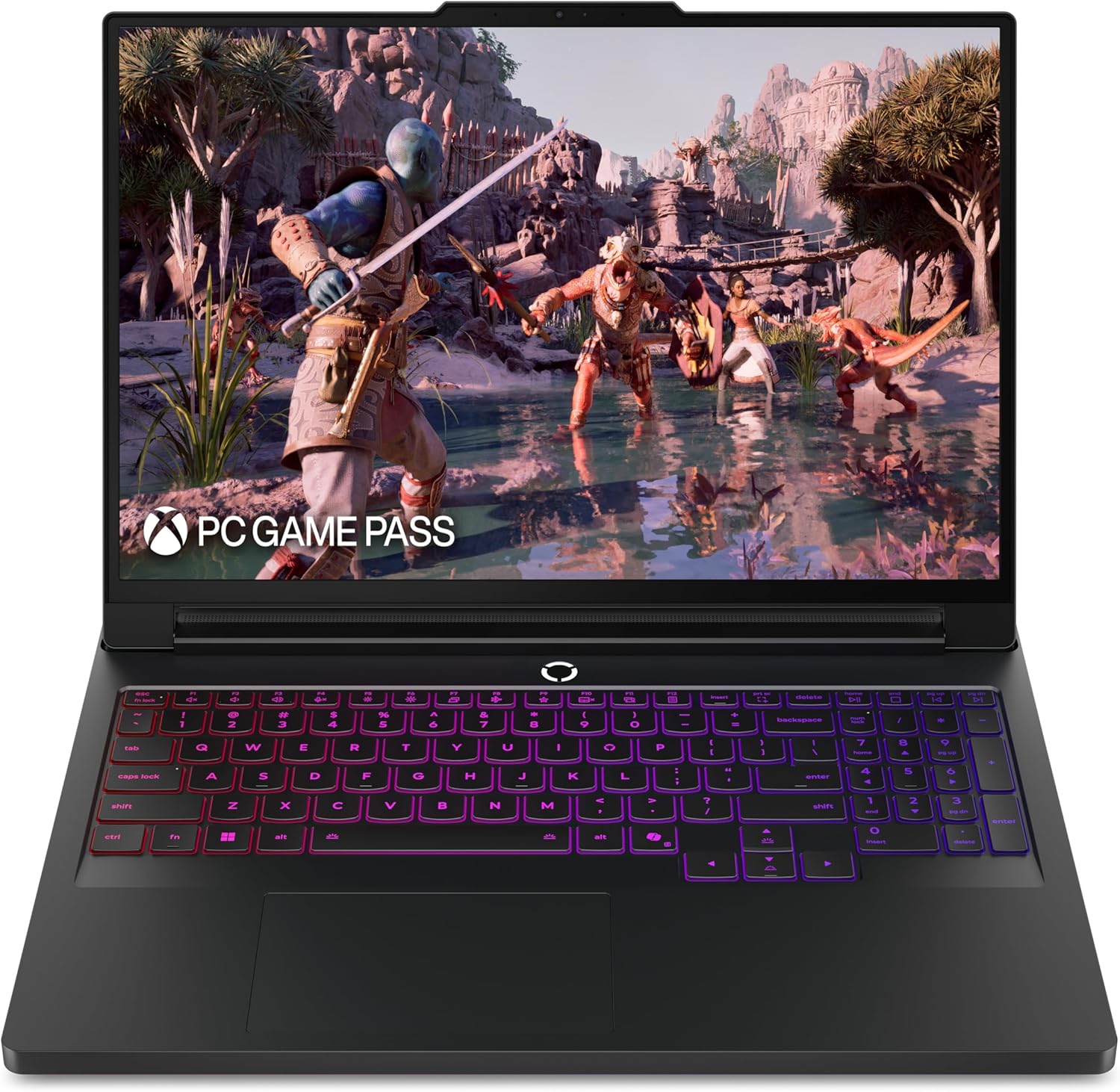
Lenovo Legion 7i 16
16 Inches | 1 TB | 32 GB RAM | Core Ultra 7 255HX | RTX 5060
Buying Guide: What to Look for in an AutoCAD Laptop
1. CPU Power: Go for at least an Intel i5/Ryzen 5 or above. AutoCAD relies heavily on single-thread performance.
2. Dedicated GPU: NVIDIA RTX or AMD Radeon GPUs are recommended for 3D modeling and rendering in AutoCAD.
3. RAM: 16 GB is the sweet spot for most users, though 32 GB is better for larger 3D projects.
4. SSD Storage: A 512 GB SSD or higher ensures fast file loading and application performance.
5. Display: A high-resolution, color-accurate screen (Full HD or better) improves drafting clarity and detail.
6. Portability & Build: Consider weight, battery life, and thermals, especially for mobile engineers or students.
Best Laptops for AutoCAD in 2026
Lenovo LOQ 15 (2023)
Why it’s great for AutoCAD:
This model delivers a reliable drafting experience for beginners and students. Its Intel i5 and RTX 4060 combo is more than capable of handling 2D drawings and light 3D rendering in AutoCAD.
Specifications & Price:
- Display: 15.6″ FHD 144Hz
- CPU: Intel i5-13450HX
- RAM: 16 GB DDR5
- Storage: 512 GB SSD
- GPU: NVIDIA RTX 4060
- Price: $799
Acer Predator Helios Neo 16 (2023)
Why it’s great for AutoCAD:
This laptop stands out with its QHD display and i7 processor, perfect for architects and professionals who work on complex layers and visualizations. Its GPU and cooling system keep performance smooth.
Specifications & Price:
- Display: 16″ QHD 165Hz
- CPU: Intel i7-13650HX
- RAM: 16 GB
- Storage: 512 GB SSD
- GPU: RTX 4060
- Price: $1,149
HP Omen Transcend 14 (2024)
Why it’s great for AutoCAD:
Its OLED display offers vibrant visuals, ideal for precise drafting. The lightweight build and fast CPU make it a great mobile workstation for designers on the go.
Specifications & Price:
- Display: 14″ 2.8K OLED Touch
- CPU: Core Ultra 7 155H
- RAM: 16 GB
- Storage: 1 TB SSD
- GPU: RTX 4060
- Price: $1,229
ASUS TUF 15 (2024)
Why it’s great for AutoCAD:
This tough machine features an RTX 4070 for fast rendering and 1 TB storage for heavy CAD files. Perfect for engineers or advanced users tackling large-scale projects.
Specifications & Price:
- Display: 15.6″ FHD 144Hz
- CPU: Intel i7-13620H
- RAM: 16 GB
- Storage: 1 TB SSD
- GPU: RTX 4070
- Price: $1,399
ASUS TUF A14 (2024)
Why it’s great for AutoCAD:
A compact powerhouse that balances portability with performance. It handles multitasking smoothly and is ideal for users switching between 2D drafting and 3D views.
Specifications & Price:
- Display: 14″ FHD+ 120Hz
- CPU: Ryzen AI HX 370
- RAM: 16 GB
- Storage: 1 TB SSD
- GPU: RTX 4060
- Price: $1,455
Asus ROG Zephyrus G14 (2024)
Why it’s great for AutoCAD:
Built for efficiency and power, this model is great for users who spend long hours drafting. Its strong CPU-GPU pairing helps with 3D modeling, simulations, and rendering tasks.
Specifications & Price:
- Display: 14″ QHD+ 165Hz
- CPU: Ryzen 9 8945HS
- RAM: 16 GB
- Storage: 1 TB SSD
- GPU: RTX 4060
- Price: $1,599
Acer Predator Helios Neo 14 (2024)
Why it’s great for AutoCAD:
With 32GB RAM and RTX 4070, it’s built for professionals managing large architectural files. Great for running AutoCAD alongside Revit, SketchUp, or BIM tools.
Specifications & Price:
- Display: 14.5″ 165Hz
- CPU: Intel Ultra 9 185H
- RAM: 32 GB
- Storage: 1 TB SSD
- GPU: RTX 4070
- Price: $1,629
HP Omen Transcend 14 (2024) High-End
Why it’s great for AutoCAD:
Top-tier specs and OLED visuals make this a premium choice for enterprise users and CAD professionals. Ideal for animation, walkthroughs, and full 3D design workflows.
Specifications & Price:
- Display: 14″ OLED 2.8K
- CPU: Ultra 9 185H
- RAM: 32 GB
- Storage: 2 TB SSD
- GPU: RTX 4070
- Price: $1,999
Asus ROG Zephyrus G14
Why it’s great for AutoCAD:
Featuring the next-gen RTX 5070 Ti GPU, this laptop handles everything from 2D plans to complex 3D simulations. Best for professionals in mechanical, civil, or architectural drafting.
Specifications & Price:
- Display: 14″ QHD+ Mini LED
- CPU: Ryzen AI 9 HX 370
- RAM: 32 GB
- Storage: 1 TB SSD
- GPU: RTX 5070 Ti
- Price: $2,399
Asus ROG Zephyrus G16
Why it’s great for AutoCAD:
This 16″ OLED workstation delivers cutting-edge performance and stunning visuals. A dream machine for AutoCAD power users working on complex 3D structures or simulations.
Specifications & Price:
- Display: 16″ OLED
- CPU: Intel Ultra 9 285H
- RAM: 32 GB
- Storage: 1 TB SSD
- GPU: RTX 5070 Ti
- Price: $2,629
Conclusion
AutoCAD professionals need laptops that deliver on precision, power, and reliability. The models listed here offer a variety of choices for students, engineers, and architects alike—ensuring that no matter your budget or workflow, your laptop can keep up.
FAQ’s
Which laptop specs are most important for running AutoCAD smoothly?
For AutoCAD, prioritize a powerful CPU (Core Ultra 7/9 or Ryzen AI 9), at least 32 GB RAM, a fast NVMe SSD (1 TB or more), and a dedicated GPU like RTX 4060 or higher for smooth rendering and 3D work.
Is a gaming laptop good for AutoCAD?
Yes. High-end gaming laptops are excellent for AutoCAD because they offer powerful processors, strong GPUs (RTX series), better cooling, and high-resolution displays—ideal for both 2D drafting and 3D modeling.
How much RAM do I need for AutoCAD in 2025?
Minimum 16 GB is usable, but 32 GB RAM is highly recommended for professional AutoCAD work, large drawings, multitasking, and future-proofing.
Do I need a dedicated graphics card for AutoCAD?
For 2D work, integrated graphics can work, but for 3D modeling, rendering, and complex projects, a dedicated GPU like RTX 5080/5090 provides much better performance and stability.
Which screen size is best for AutoCAD work?
A 16-inch or 18-inch display is ideal. Larger screens offer better workspace visibility, higher resolution, and improved productivity when working on detailed CAD drawings.
Can AutoCAD run on a MacBook?
Yes, AutoCAD is available for macOS, so you can install and run it on MacBooks. Autodesk provides a version specifically optimized for macOS with most of the core features available.
Will AutoCAD work smoothly on an Apple laptop?
Yes, AutoCAD works well on modern MacBooks, especially the MacBook Pro with M1/M2 chips or higher RAM (16GB+). For large 3D models, ensure you have enough memory and storage to avoid lag.
