
11 Best Laptops for SketchUp and Revit in 2026 (For Experts)

Architects, designers, and engineers working with SketchUp and Revit need laptops that deliver top-tier performance, excellent visuals, and stability. Whether you’re rendering photorealistic models or working on detailed BIM files, this guide breaks down the best laptops for SketchUp and Revit in 2026 based on real-world performance and value.
Our Top 5 Choice For Best Laptops for SketchUp and Revit
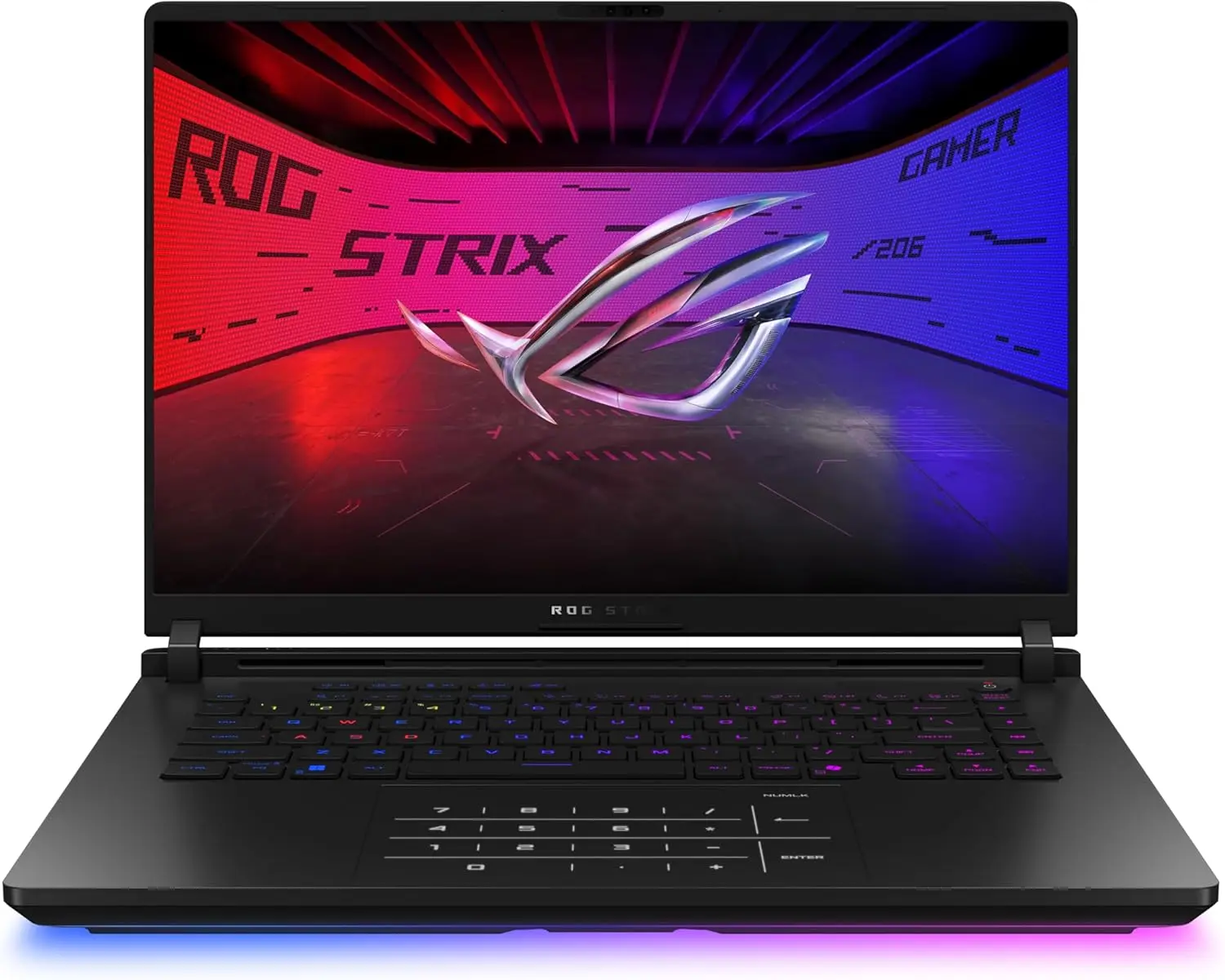
Asus Rog Strix Scar 16 – 2025
16 Inches | 2 TB SSD | 32 GB RAM | Core Ultra 9 275HX | RTX 5080
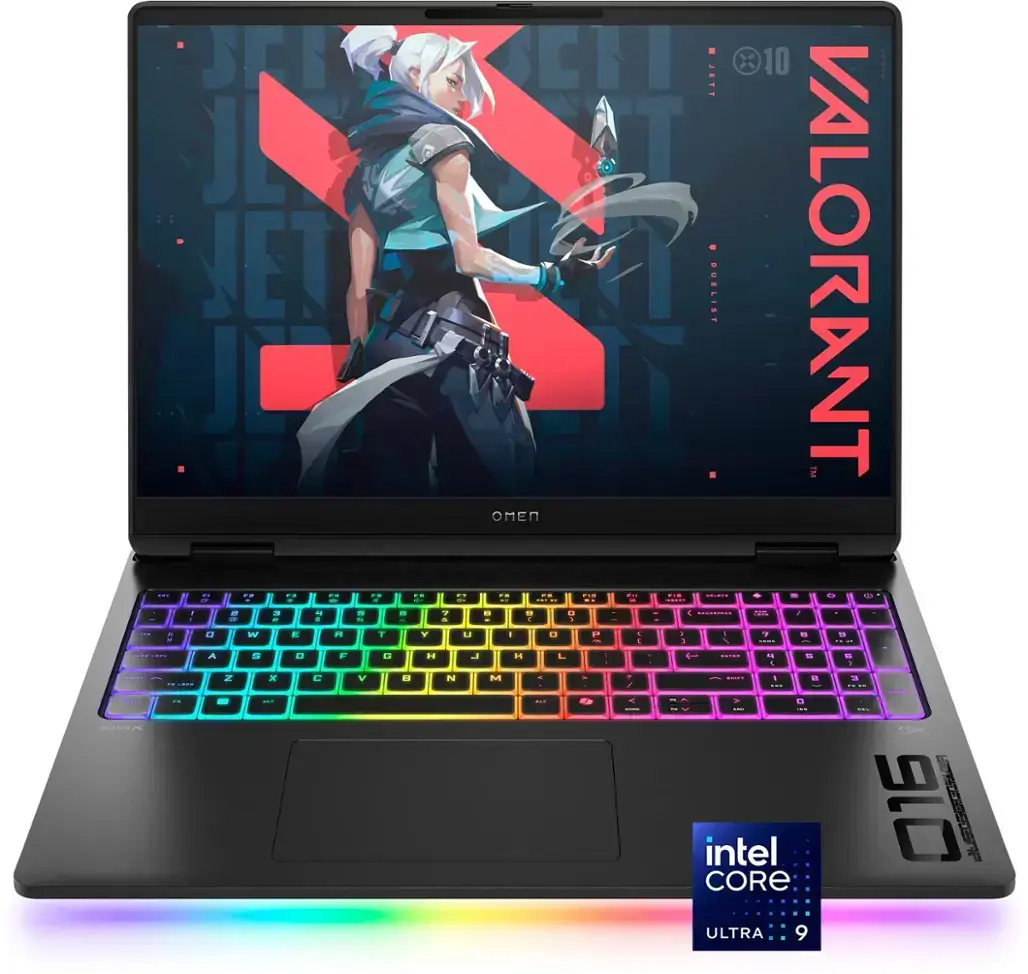
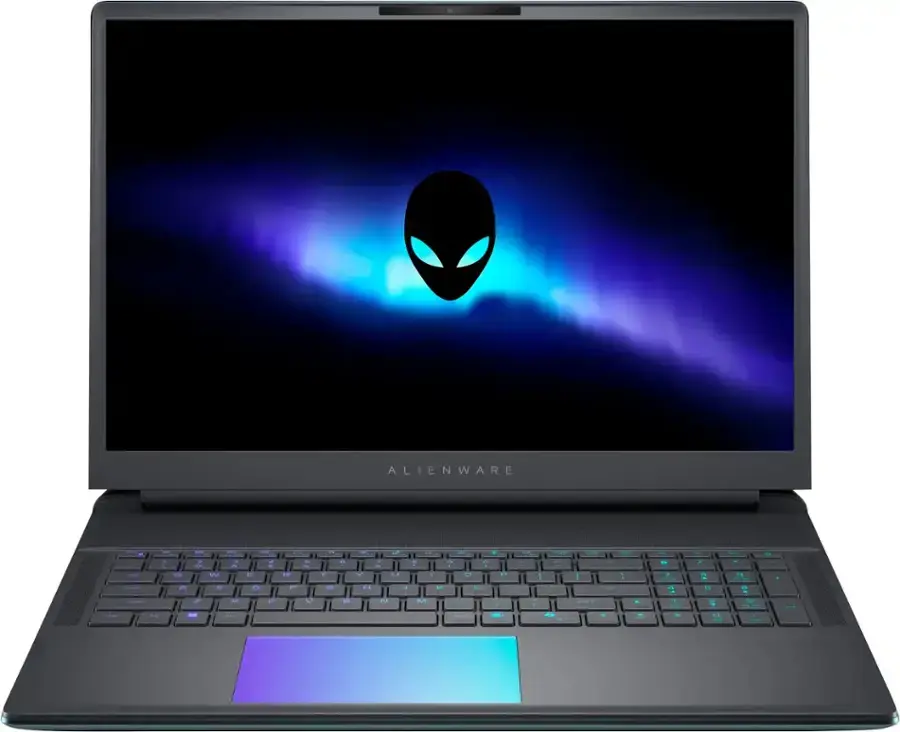
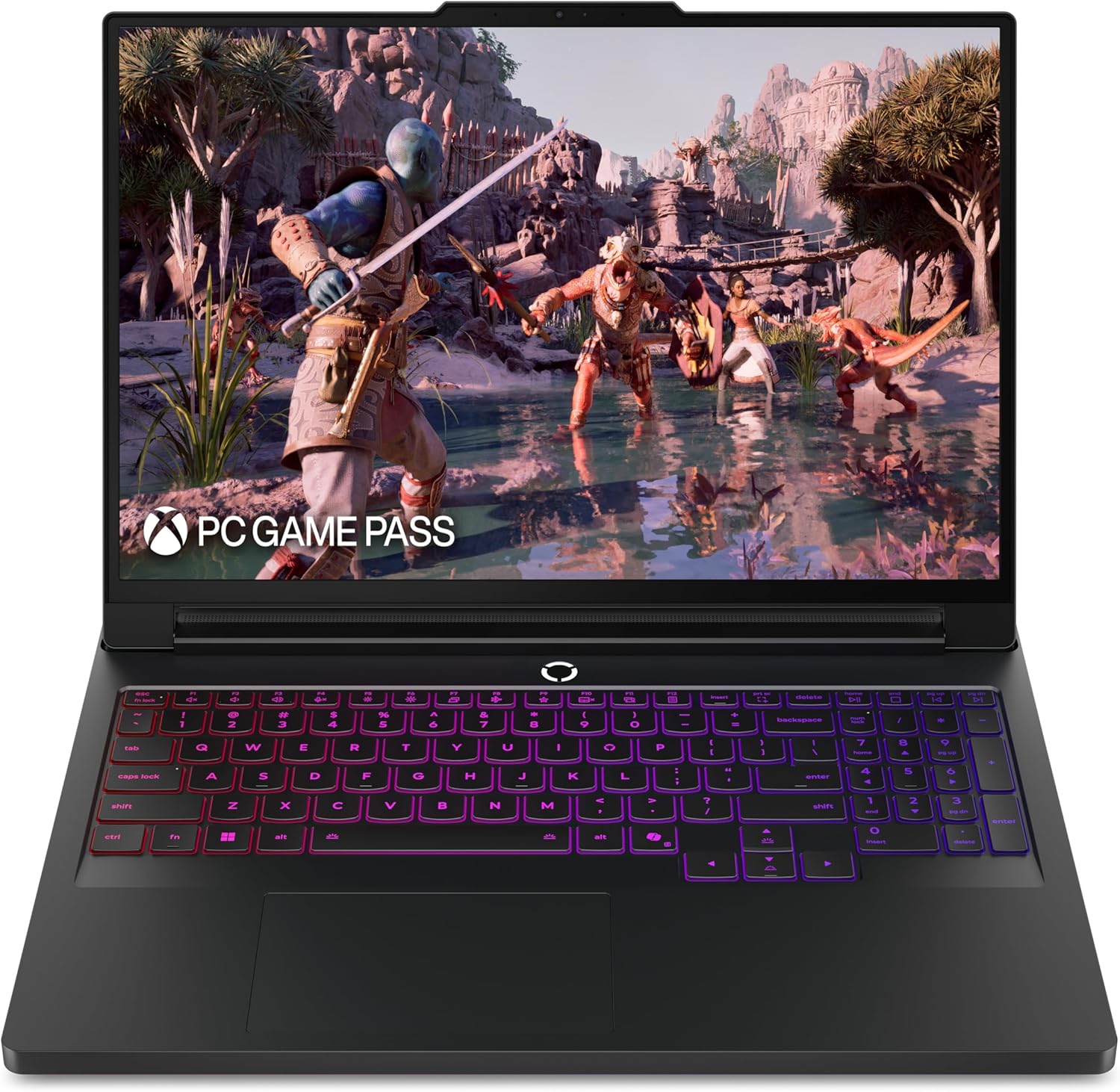
Lenovo Legion 7i 16
16 Inches | 1 TB | 32 GB RAM | Core Ultra 7 255HX | RTX 5060
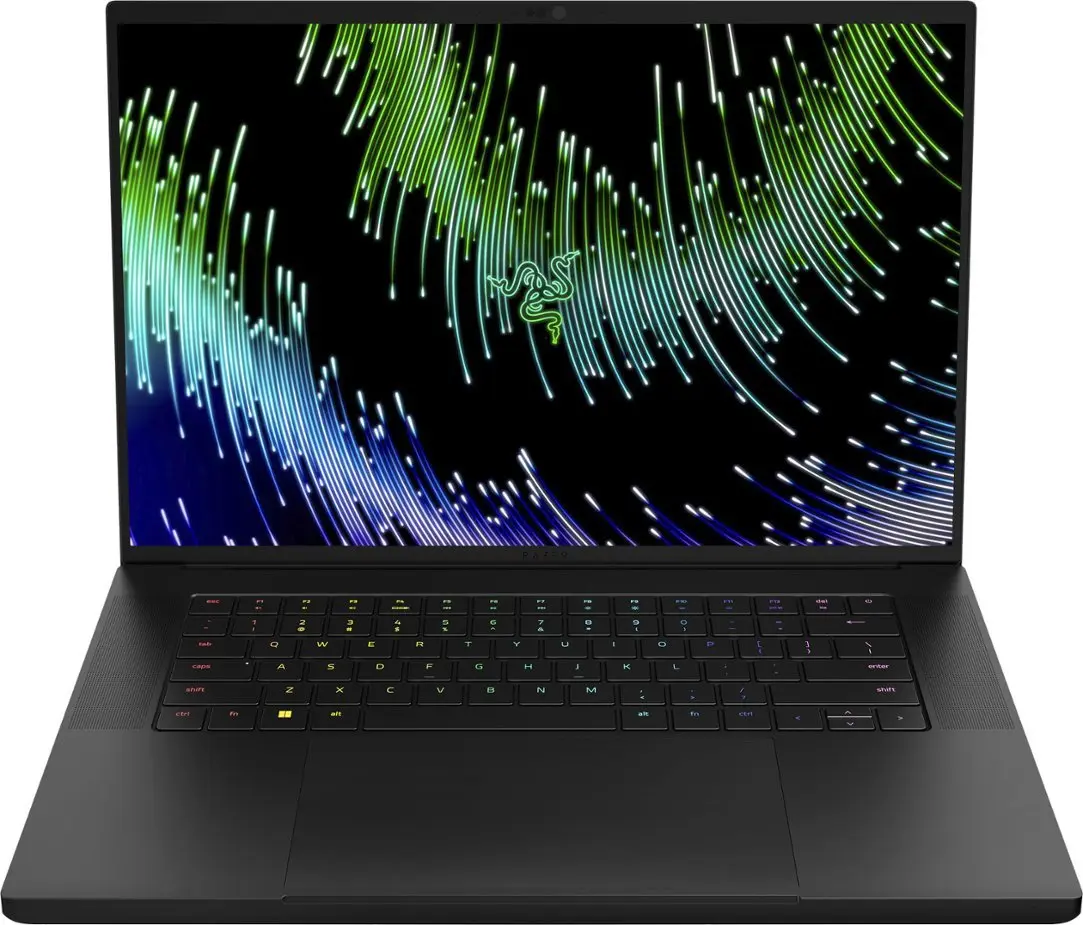
Buying Guide: What to Look for in a Laptop for SketchUp and Revit
1. CPU Power: SketchUp and Revit are CPU-intensive. Look for Intel i7/i9 or Ryzen 7/9 for optimal modeling and rendering.
2. GPU Support: A discrete GPU like RTX 4060 or higher boosts rendering and real-time visualization in both apps.
3. RAM: 16 GB is minimum; 32 GB is recommended for large models and seamless multitasking.
4. Storage: SSDs (512 GB or more) load large project files faster and improve software responsiveness.
5. Display Quality: A color-accurate, high-res screen (FHD or higher) helps in viewing architectural details clearly.
6. Portability & Battery: A balanced weight and long battery life help if you work on the go or in client meetings.
Best Laptops for SketchUp and Revit in 2026
Lenovo LOQ 15 (2026)
Why it’s great for SketchUp and Revit:
With an Intel i5-13450HX and RTX 4060, the Lenovo LOQ 15 handles real-time modelling in SketchUp and basic rendering in Revit smoothly. Ideal for students or entry-level professionals starting their design journey.
Specifications & Price:
- Display: 15.6″ FHD
- CPU: Intel i5-13450HX
- RAM: 16 GB DDR5
- Storage: 512 GB SSD
- GPU: NVIDIA RTX 4060
- Price: $799
Acer Predator Helios Neo 16 (2023)
Why it’s great for SketchUp and Revit:
This laptop packs an Intel i7-13650HX and RTX 4060, making it ideal for intermediate professionals. Its QHD display enhances clarity, while the powerful specs allow smooth rendering and large model navigation in Revit.
Specifications & Price:
- Display: 16″ QHD 165Hz
- CPU: Intel i7-13650HX
- RAM: 16 GB
- Storage: 512 GB SSD
- GPU: RTX 4060
- Price: $1,149
HP Omen Transcend 14 (2024)
Why it’s great for SketchUp and Revit:
Lightweight and fast, this machine is perfect for designers on the move. Its OLED touchscreen is great for visualising details in SketchUp, while the RTX 4060 enables reliable rendering for mid-sized Revit projects.
Specifications & Price:
- Display: 14″ 2.8K OLED Touch
- CPU: Core Ultra 7 155H
- RAM: 16 GB
- Storage: 1 TB SSD
- GPU: RTX 4060
- Price: $1,229
ASUS TUF 15 (2026)
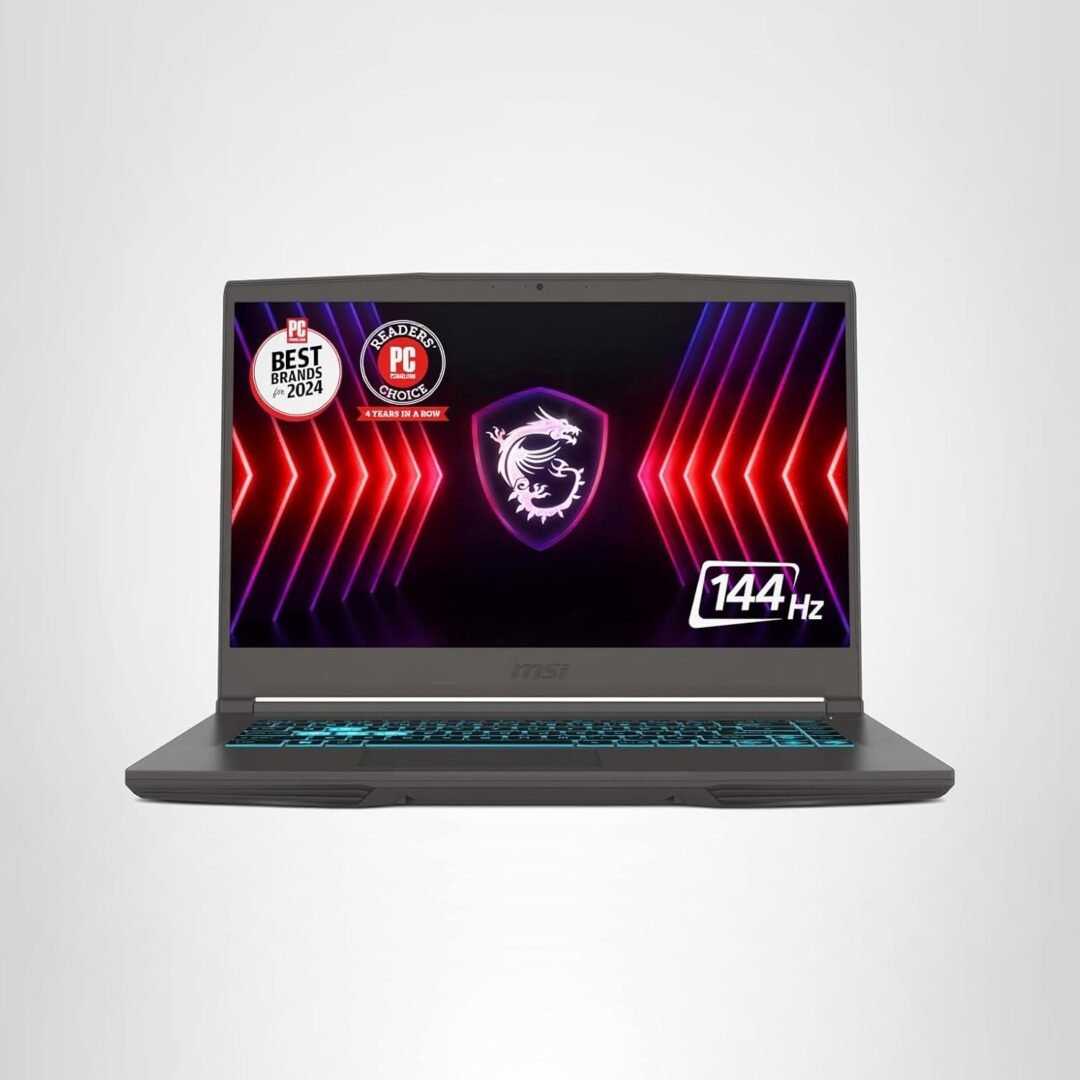
Why it’s great for SketchUp and Revit:
If you’re handling large files or rendering complex scenes, this laptop’s RTX 4070 delivers powerful performance. It’s durable and equipped with 1 TB SSD to accommodate heavy BIM files.
Specifications & Price:
- Display: 15.6″ FHD 144Hz
- CPU: Intel i7-13620H
- RAM: 16 GB
- Storage: 1 TB SSD
- GPU: RTX 4070
- Price: $1,399
ASUS TUF A14 (2024)
Why it’s great for SketchUp and Revit:
Compact but powerful, it’s a good choice for professionals on the go. The Ryzen AI processor and RTX 4060 allow for efficient Revit workflows and SketchUp previews without lag.
Specifications & Price:
- Display: 14″ FHD+ 120Hz
- CPU: Ryzen AI HX 370
- RAM: 16 GB
- Storage: 1 TB SSD
- GPU: RTX 4060
- Price: $1,455
Asus ROG Zephyrus G14 (2024)
Why it’s great for SketchUp and Revit:
Thanks to the Ryzen 9 and RTX 4060, this laptop easily handles high-resolution Revit models and real-time SketchUp rendering. It’s a sleek, lightweight option for design professionals.
Specifications & Price:
- Display: 14″ QHD+ 165Hz
- CPU: Ryzen 9 8945HS
- RAM: 16 GB
- Storage: 1 TB SSD
- GPU: RTX 4060
- Price: $1,599
Acer Predator Helios Neo 14 (2026)
Why it’s great for SketchUp and Revit:
With 32 GB RAM and RTX 4070, this laptop can render large architectural projects and run multiple apps simultaneously. Ideal for Revit power users and SketchUp professionals needing smooth performance.
Specifications & Price:
- Display: 14.5″ 165Hz
- CPU: Intel Ultra 9 185H
- RAM: 32 GB
- Storage: 1 TB SSD
- GPU: RTX 4070
- Price: $1,629
HP Omen Transcend 14 (2024) High-End
Why it’s great for SketchUp and Revit:
With 32GB RAM, RTX 4070, and a brilliant OLED screen, this model is a productivity beast. It’s made for architects and engineers handling large, intricate Revit projects and rendering workflows.
Specifications & Price:
- Display: 14″ OLED 2.8K
- CPU: Ultra 9 185H
- RAM: 32 GB
- Storage: 2 TB SSD
- GPU: RTX 4070
- Price: $1,999
Asus ROG Zephyrus G14 (2025)
Why it’s great for SketchUp and Revit:
With RTX 5070 Ti and Ryzen AI 9, this future-ready laptop supports ultra-fast rendering and simulation in both software platforms. Perfect for firms looking for scalable performance.
Specifications & Price:
- Display: 14″ QHD+ Mini LED
- CPU: Ryzen AI 9 HX 370
- RAM: 32 GB
- Storage: 1 TB SSD
- GPU: RTX 5070 Ti
- Price: $2,399
Asus ROG Zephyrus G16 (2025)
Why it’s great for SketchUp and Revit:
Designed for professional creators and engineers, this powerhouse with RTX 5070 Ti offers unmatched performance. It’s ideal for working on complex architectural designs, BIM coordination, and rendering walkthroughs.
Specifications & Price:
- Display: 16″ OLED
- CPU: Intel Ultra 9 285H
- RAM: 32 GB
- Storage: 1 TB SSD
- GPU: RTX 5070 Ti
- Price: $2,629
Conclusion
Whether you’re designing homes in SketchUp or managing structural BIM models in Revit, these laptops deliver exceptional value, speed, and reliability. Choose one that suits your workflow and experience smooth modeling, fast rendering, and better project delivery.
FAQ’s
Which laptop specs are most important for SketchUp and Revit?
For SketchUp and Revit, a high-performance CPU (Core Ultra 7/9 or Ryzen AI 9), minimum 32 GB RAM, fast NVMe SSD (1 TB or more), and a powerful dedicated GPU like RTX 4060 or higher are essential for smooth modeling and rendering.
Is a dedicated graphics card necessary for SketchUp and Revit?
Yes. Both SketchUp and Revit rely heavily on GPU performance for 3D modeling, real-time shadows, and rendering. An RTX-series GPU significantly improves viewport smoothness and overall workflow efficiency.
How much RAM is ideal for professional SketchUp and Revit work?
While 16 GB RAM is the minimum, 32 GB or more is strongly recommended for large architectural projects, complex models, and multitasking with rendering and visualization tools.
Are gaming laptops suitable for SketchUp and Revit?
Absolutely. High-end gaming laptops offer powerful CPUs, RTX GPUs, advanced cooling, and high-resolution displays, making them a great choice for architects, designers, and engineers using SketchUp and Revit.
What screen size and display quality is best for these applications?
A 16-inch or 18-inch display with high resolution and good color accuracy is ideal. Larger screens provide more workspace for detailed modeling, layouts, and simultaneous viewports in SketchUp and Revit.
